Kinetic

component • $59

RW Pro Space

2026-05-12

Version 1 (5)

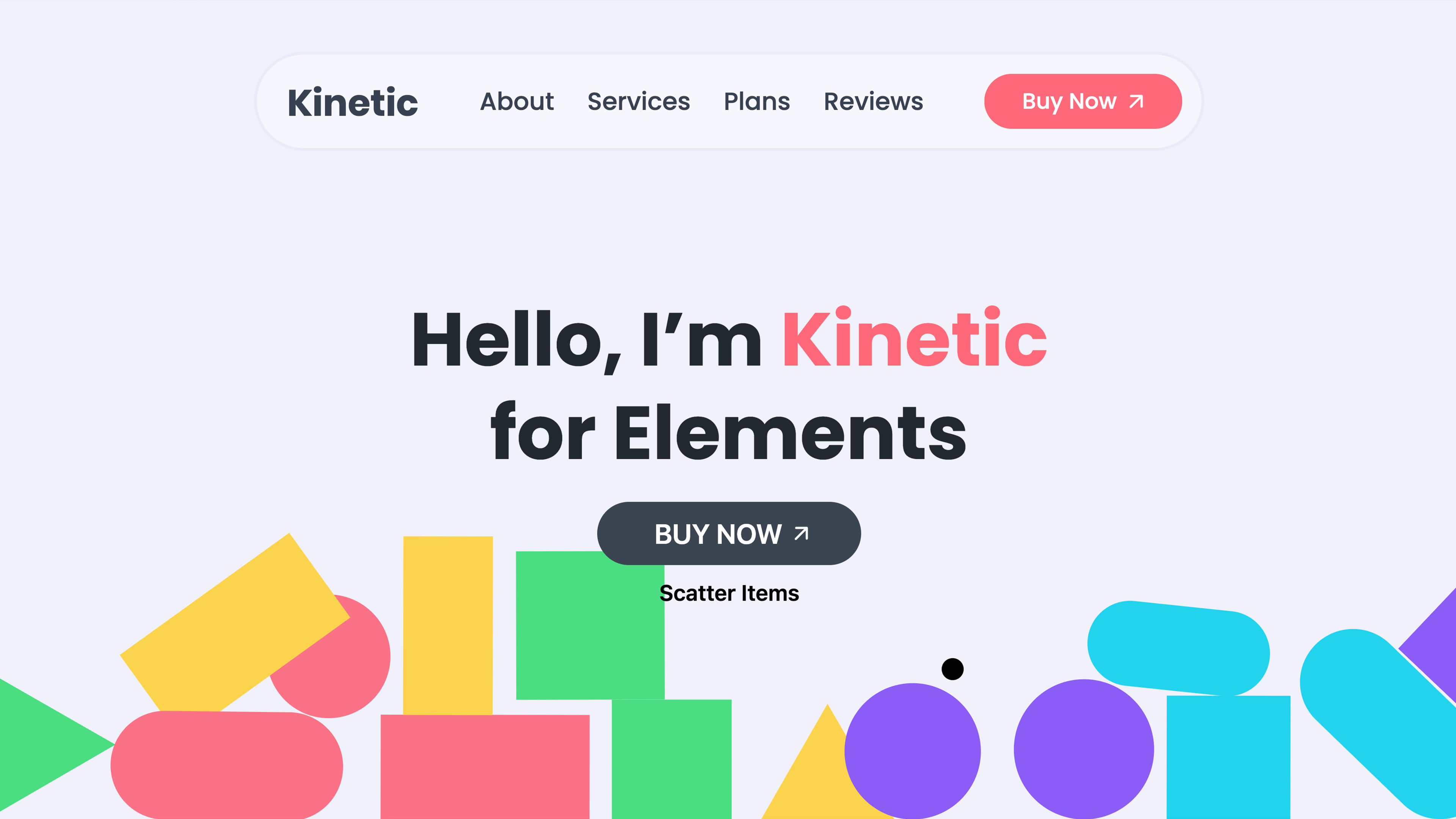
Add real-time physics, 3D tilt, cursor tracking, and canvas effects to any section — turning static layouts into engaging, interactive experiences. No code required.

Kinetic brings your pages to life with six interaction modes: Gravity (Matter.js physics with collisions), Drag & Snap Back, 3D Tilt with optional glare, Text Split character animations, Cursor Follow, and Canvas Effects. Drop your own elements or let Auto Shapes generate them automatically with four layout presets (Circle, Cloud, Grid, Random). Full control over physics parameters, animation timing, parallax depth, and responsive behavior. Built for designers who want memorable pages without writing a single line of code.

Release Notes

Build 5 2026-04-21
Updated demo project file.
Build 4 2026-04-21
New Demo 7 page in the demo project file.
Build 3 2026-04-21
## What's new
- New Borders group — full Static/Hover borders with Color, Width, Radius.
- New Enable toggle on Items and Content groups — turn off the whole group in one click.
- New Color control for Radius and Area Visual Feedback (default red).
- New utility classes: kinetic-pause, kinetic-resume, kinetic-toggle — add to any button to control the scene.
- Utility Classes panel split into Items and Control tabs.

## Improved
- Group names simplified: Items, Items Behavior, Content.
- Background hover now reacts across the entire Kinetic area.
- Vertical alignment works with both Auto and Full content heights.
- Many properties now support responsive values.
- Connection Lines: "Max Distance" renamed to "Connect Within".

## Fixed
- Custom Cursor colors (Ring, Ripple Border, Solid) now apply correctly.
- Opacity slider now works in the editor for animated cursor types.
- Area Visual Feedback fill is now visible in the editor.
- Border radius clips the canvas effect in the editor too.
Build 2 2026-04-21
- [UPDATE] Project demo file
Build 1 2026-04-21
- Initial release